Leave Management Software: A Complete Guide
How leave requests, approvals, balances, calendars and attendance context fit into one controlled process.
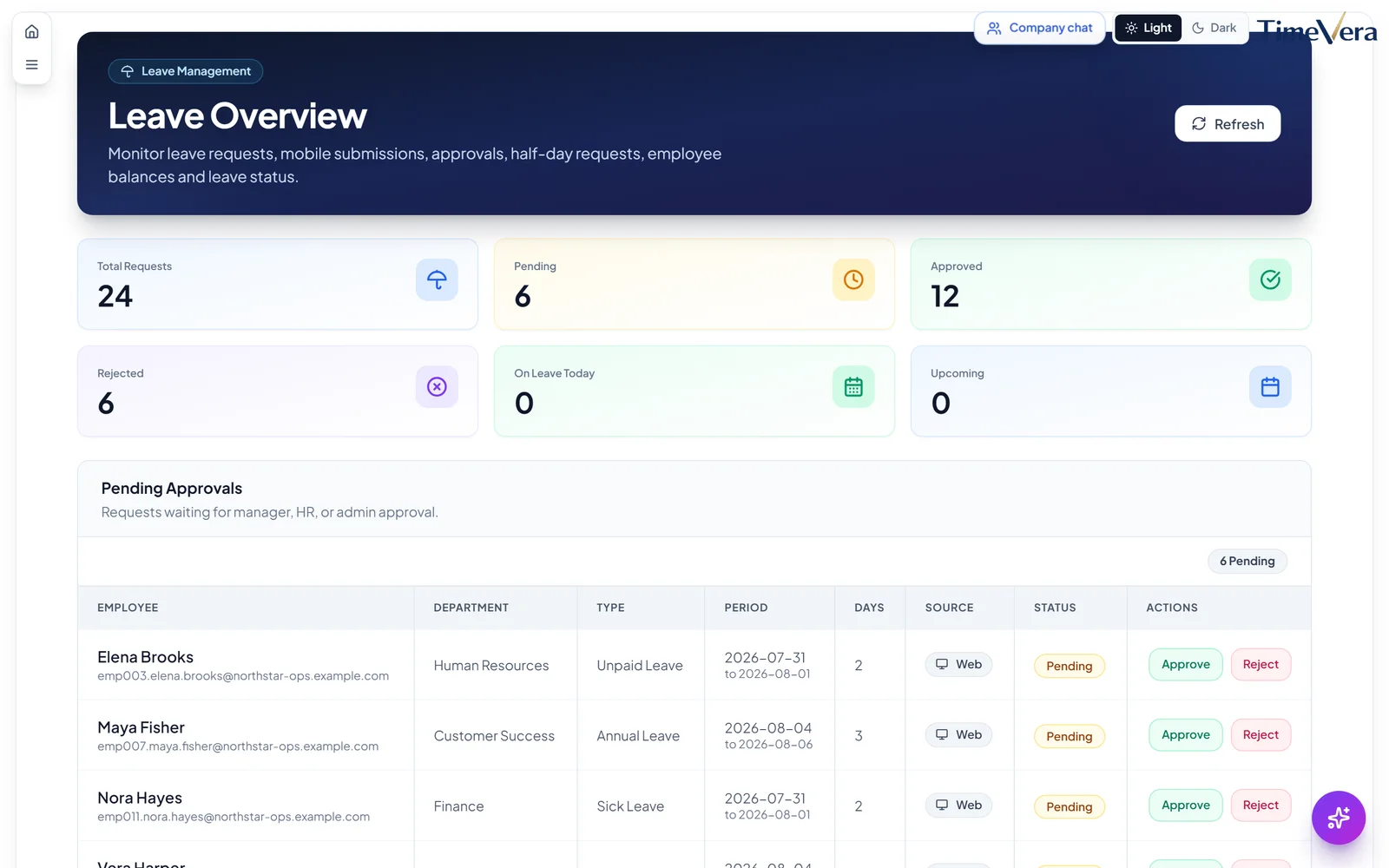
Leave management software records employee time-off requests, routes them to authorized approvers, updates balances under configured policies and gives teams a shared calendar and history. It replaces informal messages with a visible decision process.
Connected HR software keeps one employee master and links it to attendance, schedules, leave and payroll preparation. The goal is not to automate judgment; it is to remove duplicate entry, make approvals visible and preserve an auditable operational trail.
A practical connected workflow
- HR creates and maintains the employee record, department, role and relevant employment data.
- Managers assign schedules and attendance rules.
- Attendance events and approved leave describe worked and non-worked time.
- Authorized managers review exceptions, corrections and approvals.
- Approved inputs move into payroll preparation under company-defined compensation rules.
- HR and finance review outputs and export the reports they need.
Each step needs an owner. A connected platform reduces handoffs, but it does not replace review of contracts, company policy or applicable law.
Requests, approvals, balances and attendance
The strongest upgrade signal is repeated reconciliation: names differ between files, approved leave is missing from the payroll sheet, overtime is calculated late, or branch managers send incompatible templates. Another signal is access risk—one shared workbook often exposes more employee data than each manager needs.
| Disconnected files | Connected workforce platform |
|---|---|
| Several employee lists | One maintained employee master |
| Approvals in chat | Visible workflow and status |
| Attendance copied into payroll | Approved time supports payroll preparation |
| Separate branch templates | Shared rules with authorized views |
| Version confusion | Current records and report exports |
Implementation without disruption
Begin with clean employee data and a documented current process. Decide which records are authoritative, who approves changes and which historic data must be migrated. Configure one representative team, test a complete period, compare results with the existing process, then expand. Keep a correction path for genuine exceptions.
TimeVera brings employee profiles, attendance, schedules, leave and payroll workflows into one cloud platform. Payroll configuration remains company-specific, and outputs should be reviewed by responsible staff. This article is operational guidance, not legal, tax or accounting advice; consult qualified local advisers for statutory obligations.
Related reading includes automating employee time and attendance, the leave management software guide, and attendance, HR and payroll in one platform.
Explore next
FAQ
Does one platform mean everyone sees all employee data?
No. Access should be role-based so users see only the functions and records needed for their responsibilities.
Does software guarantee payroll compliance?
No. Software applies configured data and rules. The employer remains responsible for validation and legal, tax and accounting compliance.
Should every historical spreadsheet be migrated?
Not necessarily. Define retention and reporting needs, clean the required history and avoid carrying duplicate or unreliable data forward.
Can implementation begin with one team?
Yes. A representative pilot is often the safest way to verify data, permissions, schedules and approvals before expansion.
Request a Demo · Related solution · All resources · Devices · Menaxhim orari